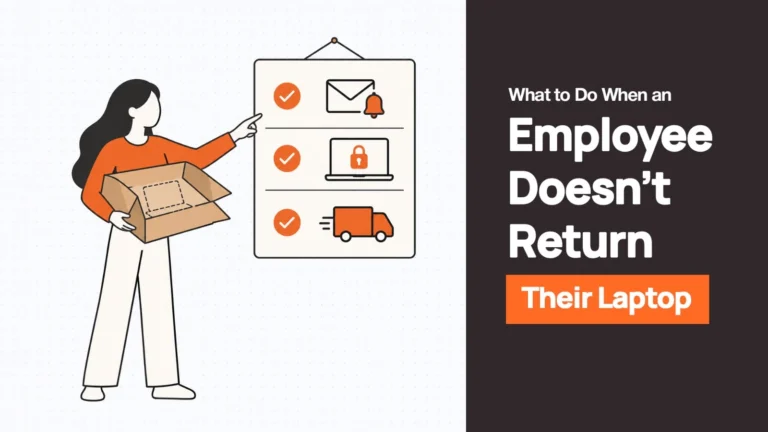
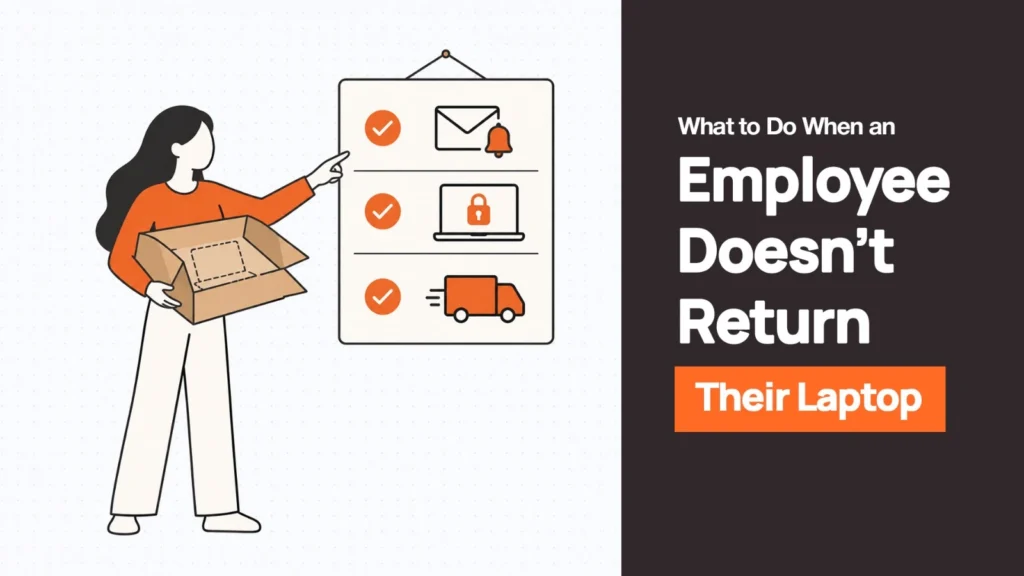
When an employee doesn’t return a company laptop, the short answer is: lock down access first, send a written request with a firm deadline, remove every practical obstacle to returning it, then escalate on a fixed schedule — and bring in legal only if that fails.
This happens more often than most IT and HR teams expect. In Capterra’s 2022 Employee Offboarding Survey of nearly 300 HR professionals, 71% said at least one departing employee failed to return company-owned equipment, and hybrid or remote employees were 17% more likely to keep hold of it than on-site staff.
The average value walking out the door was $1,963 per employee — but the bigger exposure is what’s on the device: 59% of respondents said the unreturned equipment held sensitive company data, and only 55% could fully lock the former employee out of it.
First, Work Out Why the Laptop Hasn’t Come Back
Before you escalate, figure out which situation you’re actually in — because each one calls for a different response.
- It’s just low priority for them. The most common case. The employee has moved on mentally, the laptop is in a drawer, and nobody has reminded them with a deadline attached.
- There’s a logistics problem. No box, no label, they’ve moved apartments, or they’re in another country and don’t know how shipping is supposed to work. This isn’t reluctance — it’s friction, and it’s usually the easiest one to fix.
- There’s leverage or a dispute involved. Unpaid final wages, a disagreement over commission, or personal files they haven’t backed up yet. The laptop becomes a bargaining chip, intentionally or not.
- They’ve gone silent. No response to any channel. This is the one that warrants faster escalation, since it’s the hardest to read and the slowest to resolve passively.
One more wrinkle worth noting: contractors often aren’t covered by the same equipment agreement an employee signs, so check what you actually have in writing with them before assuming the same process applies.
| Related Reads |
| → Remote Device Offboarding Guide The end-to-end process for recovering devices from remote and distributed employees. |
| → Laptop Retrieval Local, in-country pickup that removes the international shipping friction stalling most non-returns. |
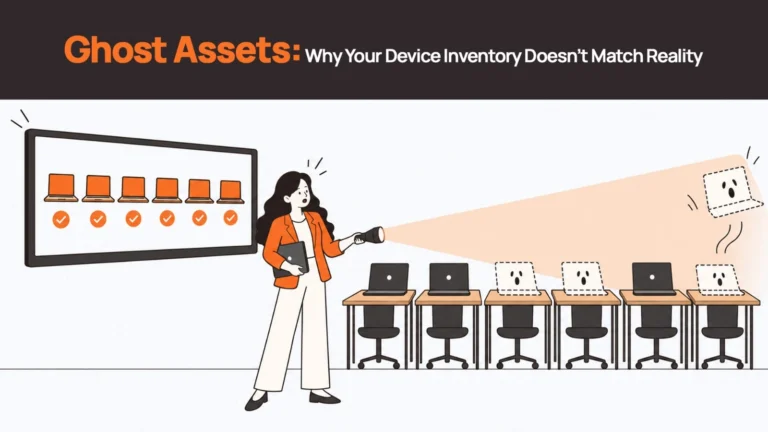
| → Ghost Assets: Why Your Device Inventory Doesn’t Match Reality Unreturned laptops that slip off the radar become ghost assets — here’s how it happens. |
| → What Happens If You Keep a Company Laptop After Leaving? Understanding the employee’s perspective helps frame your outreach at the right level. |
Step 1: Lock Down Access Before You Chase the Hardware
Do this in the first 24 hours, before you send a single message about the device itself.
Revoke SSO, email, and VPN access. Trigger an MDM lock if the device is enrolled and reachable. Rotate any shared credentials the employee had access to. Note the device’s last check-in time — that tells you whether a remote command has a realistic chance of reaching it.
The reasoning is simple: the data risk and the hardware risk are two different problems, and the data risk is the one that compounds the longer it sits unaddressed. A laptop you can’t physically see is still contained if MDM enrollment is active and access has been cut.
A laptop with live sessions and no MDM coverage is a much bigger exposure, hardware value aside. If it later comes back, a full wipe following NIST SP 800-88 media sanitisation guidelines is the standard for confirming the data is actually gone — not just inaccessible.
Step 2: Send a Clear Return Request in Writing
One message, sent through a channel the employee still checks (personal email usually works better than a company account that’s already been deactivated). It needs: the device model and serial number, any accessories expected back, a specific deadline (5 to 10 business days is typical), the return method, and a named contact for questions. Keep the tone neutral.
This is a request, not an accusation. A documented, structured return process gets better results than an ad hoc email chain precisely because it reads as routine rather than confrontational.
Step 3: Remove Every Reason Not to Return It
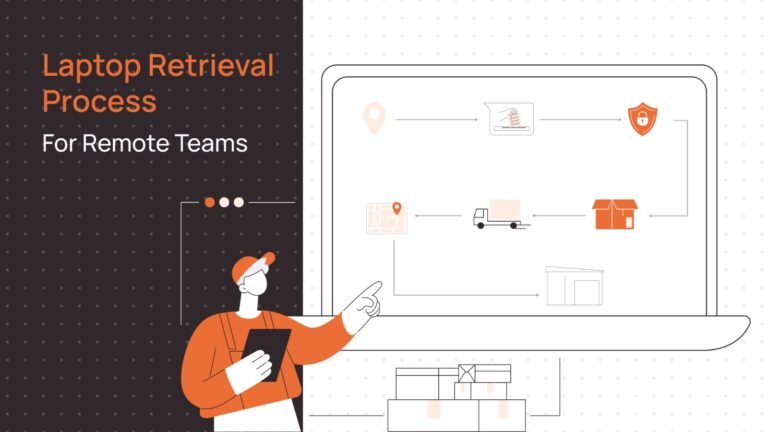
This is where most non-returns actually get resolved — and it’s almost always a logistics fix, not a willpower problem. Send a prepaid shipping kit with the box and label already sorted. Offer a courier pickup scheduled directly with the employee rather than asking them to arrange it. Where practical, a local drop-off point beats a shipping run entirely.
For employees outside the country, local, in-country retrieval avoids the customs and documentation hurdles that make an employee stall simply because they don’t know how to ship a laptop internationally and don’t want to deal with finding out.
Step 4: Follow Up on a Fixed Schedule and Document Everything
Once the request is out, don’t let follow-up depend on someone remembering to check. Work off a schedule, and log every attempt and response.
| Day | Action | Owner |
|---|---|---|
| Day 0 | Return request sent with deadline | HR |
| Day 3 | First reminder if no response | HR |
| Day 7 | Second reminder, confirm kit or pickup was actually received | IT/HR |
| Day 10 | Deadline passes, escalate internally, notify manager | HR |
| Day 14 | Formal demand letter sent | HR/Legal |
| Day 21 | Review options: deduction eligibility, continued outreach | Legal |
| Day 30+ | Decide on write-off, police report, or civil recovery | Legal/Finance |
This is an illustrative timeline, not a legal deadline. Adjust it based on device value, your existing equipment agreement, and how much risk the data on that device actually represents.
Step 5: Send a Formal Demand Letter
If Day 10 passes with no device and no real explanation, a formal letter is the next step — firm but not hostile. It restates the obligation in writing, gives a new hard deadline, and makes clear what happens if it’s missed.
| Data Risk vs Hardware Risk Treat these as two separate problems. The data risk compounds every day access stays open — lock it first, independently of where the physical device is. Hardware recovery follows; wipe confirmation follows after that. |
Can You Deduct the Laptop from an Employee’s Final Paycheck?
This is not one rule. It depends on which state (or country) the employee is in, and withholding the entire final paycheck is a different — generally unlawful — act from making a specific, documented deduction.
Under federal law, the FLSA permits a deduction for unreturned equipment from a non-exempt employee’s pay as long as it doesn’t drop them below minimum wage for that pay period. Exempt employees are more protected, since deductions that touch the guaranteed salary basis can jeopardise the exemption itself. That’s the floor. States layer stricter requirements on top of it.
| State | What’s actually required |
|---|---|
| California | Deducting for simple loss generally requires proof of dishonesty, willful conduct, or gross negligence. Employment firm Littler has also described a narrower pathway: specific written authorisation obtained after the loss occurs, naming the equipment and the amount, can support a deduction under California’s wage orders. |
| Illinois | Written consent given freely at the time the deduction is made. A policy signed at onboarding does not satisfy this. |
| Delaware | Withholding final pay while waiting for property to come back is not permitted. |
| Minnesota | Written authorisation obtained after the specific loss occurs (Minn. Stat. § 181.79). A blanket clause signed at hire doesn’t count, and violating this makes the employer liable for twice the deduction amount. |
| Texas | Requires specific written authorisation for the deduction, and it can’t take the employee below minimum wage. |
In the UK, the position runs through the Employment Rights Act 1996. A deduction for unreturned equipment needs either an express contract clause the employee was shown in advance, or prior written consent given before the loss occurred, and the amount has to be a genuine pre-estimate of the loss rather than a punitive figure — or it risks being treated as an unlawful penalty clause.
Is Keeping a Company Laptop Theft? When to Involve Police or Courts
Usually not, at least not in the way most people mean when they say ‘theft.’ Police and prosecutors generally treat an unreturned company laptop as a civil property dispute rather than a criminal matter, since the employee typically had lawful possession of it to begin with. What actually happens from the employee’s side when they ignore the request is usually a slow civil and financial problem, not a police visit.
That changes if there’s clear intent to permanently deprive the company of the device, if the employee is actively reselling it, or if they’ve taken and used sensitive data beyond simply holding the hardware. Those elements can shift it toward criminal territory — though the line is fact-specific and not something to assume from silence alone.
What If the Employee Is in Another Country?
International non-returns add a layer most domestic guides skip entirely. Customs declarations, duties, and lithium battery shipping rules all apply to a laptop coming back just as they would going out — and an employee who doesn’t know how to navigate any of that will often just not. Return shipping costs more than people expect, sometimes enough that it isn’t worth it relative to the device’s depreciated value — which is part of why routing every return through international shipping is the wrong default in the first place.
This is the same friction problem from Step 3, just harder to solve without local infrastructure. Local, in-country retrieval — picking the device up where the employee actually is rather than asking them to export it — removes the customs step entirely. Coverage varies by country, so check where retrieval and procurement operations actually reach before assuming it’s available everywhere.
When the Laptop Never Comes Back
Sometimes it just doesn’t — and at that point the priority shifts from recovery to closing the loop properly. Confirm the remote wipe actually executed, not just that the command was sent: there’s a real difference if the device never reconnected. Run a final access audit to make sure nothing was missed in the original lockdown.
Update the asset register and any insurance or financial records to reflect the write-off accurately, rather than leaving the device listed as ‘assigned’ indefinitely. A device stuck in limbo is how ghost assets accumulate — hardware that exists in your records but can’t be accounted for in reality.
Getting Ahead of the Next One
Most unreturned laptops aren’t theft — they’re friction: a missing box, an unclear deadline, or a request that never had a real owner chasing it down. The process above works, but running it manually for every departure — tracking who’s on Day 3 versus Day 14, chasing a pickup across a border, confirming a wipe actually executed — is its own full-time job once a company is offboarding more than the occasional employee.
That’s the gap Remoasset closes. Local, in-country retrieval replaces the international shipping problem from Step 3 with a pickup scheduled where the employee actually is, removing the customs friction that stalls so many returns before they start.
MDM status and data wiping are tracked against NIST SP 800-88 as part of the same record — so ‘the device is locked’ and ‘the device is wiped and confirmed’ aren’t two separate things someone has to reconcile by hand.
And because every device stays tied to an accurate asset record from issue to return, the ghost-asset problem that makes a laptop hard to chase in the first place doesn’t get a chance to start.
Ready to take manual effort out of device recovery? Book a Demo to see how Remoasset handles retrieval, wiping, and asset tracking across 80+ countries.
Frequently Asked Questions
How long does an employee have to return company property?
There’s no universal legal deadline. Most companies set 5 to 10 business days from the last working day or the return request, whichever is later, and state that clearly in the equipment agreement rather than leaving it implied.
Can I withhold a final paycheck until a laptop is returned?
Generally, no. Withholding the entire final paycheck is treated differently from a specific, properly authorised deduction, and it’s unlawful in most states and in the UK without a clear statutory or contractual basis.
Can I report an unreturned laptop as stolen?
You can file a report, but police and prosecutors usually treat this as a civil matter unless there’s clear intent to permanently keep the device or evidence of data theft, since the employee typically had lawful possession originally.
What if the former employee says they have personal files on the laptop?
Give them a defined, reasonable window to retrieve or transfer anything genuinely personal before any wipe, and put that window in writing. It’s a legitimate request and addressing it directly usually speeds up the return.
Can I remotely wipe a laptop the employee still has?
Yes, if MDM is active and the device is reachable — but a device that’s offline won’t receive the command until it reconnects. A wipe also doesn’t replace physical recovery; you still need the hardware back.